


Admin User Interface
Admin User Interface Overview
The Structr Admin User Interface is a comprehensive web-based administration console that provides full control over your Structr application. It offers intuitive access to all tools for application development, from schema design to frontend development and system administration.
Interface Layout
The Admin UI features a clean, modern design with a navigation bar at the top that provides access to all major functional areas. The main content area displays the selected functionality with context-appropriate tools and options.

Main Navigation Areas
The Admin UI is organized into the following main sections:
Dashboard
System overview, monitoring, and administrative functions including server status, logs, deployment tools, and configuration options.

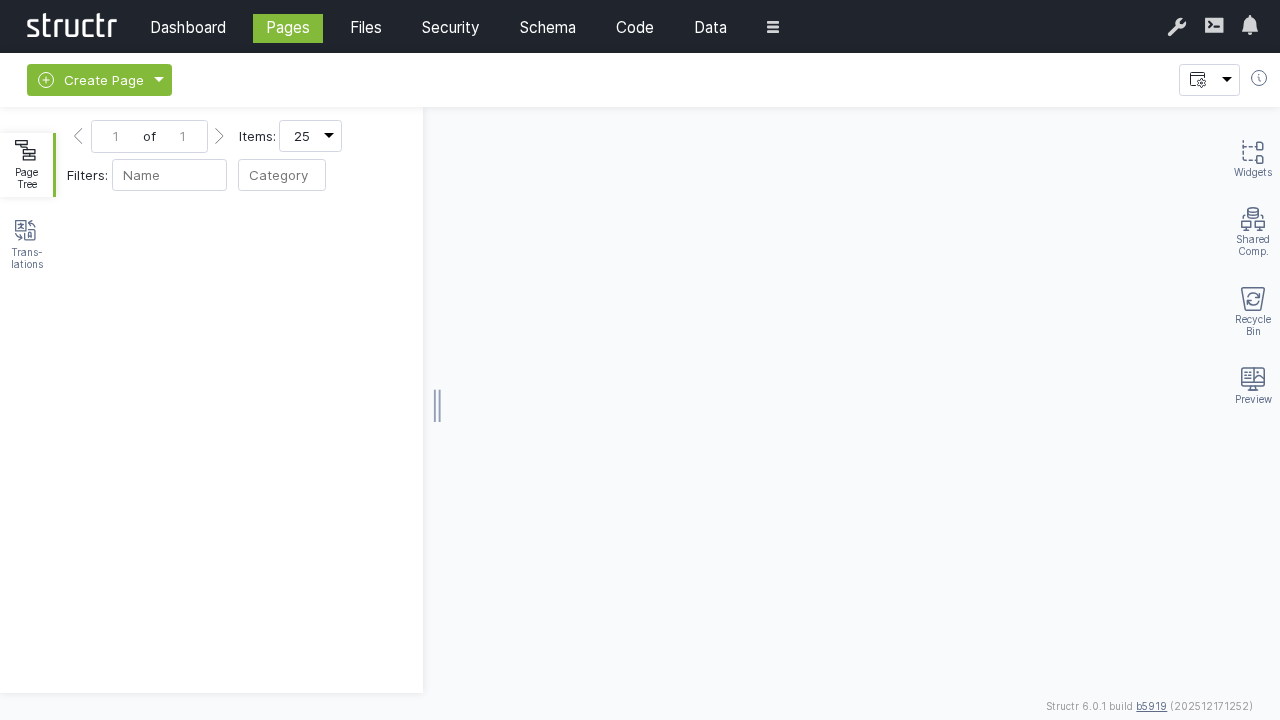
Pages
Visual page editor and development environment for creating web applications, managing templates, and building user interfaces.
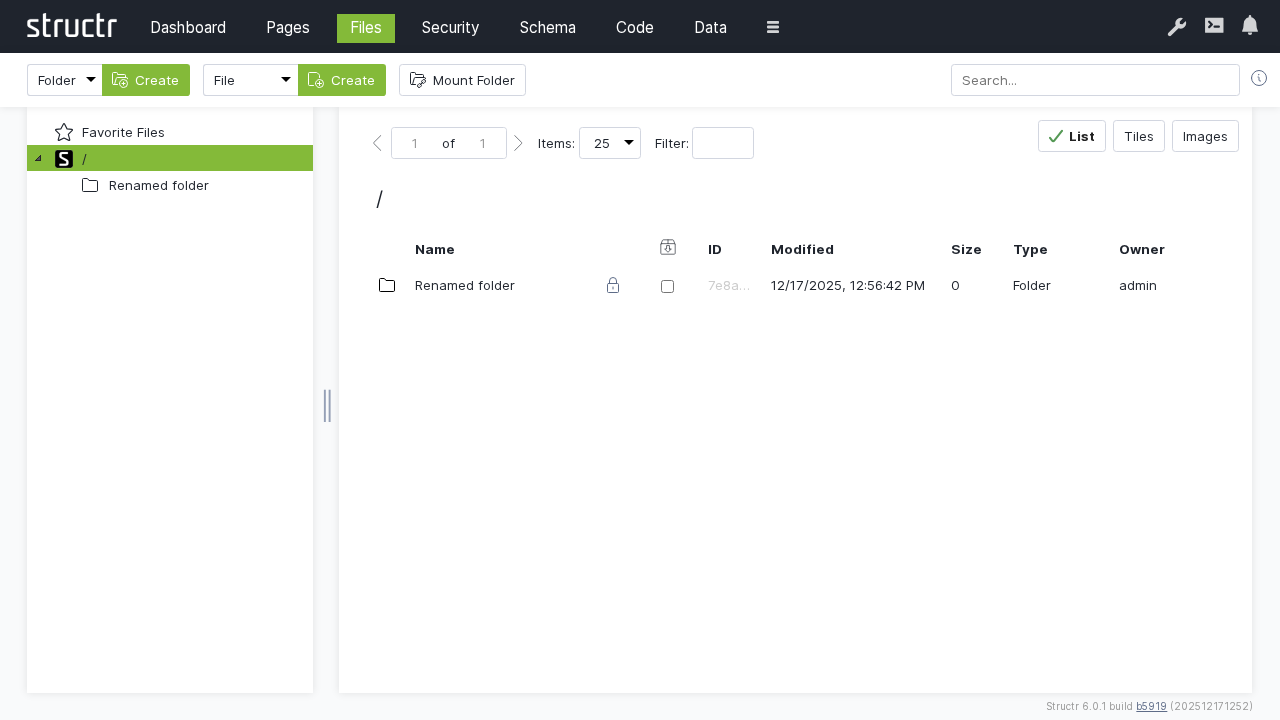
Files
Virtual file system management for uploading, organizing, and managing static assets, documents, and media files.
Security
User management, authentication, authorization, and access control configuration.

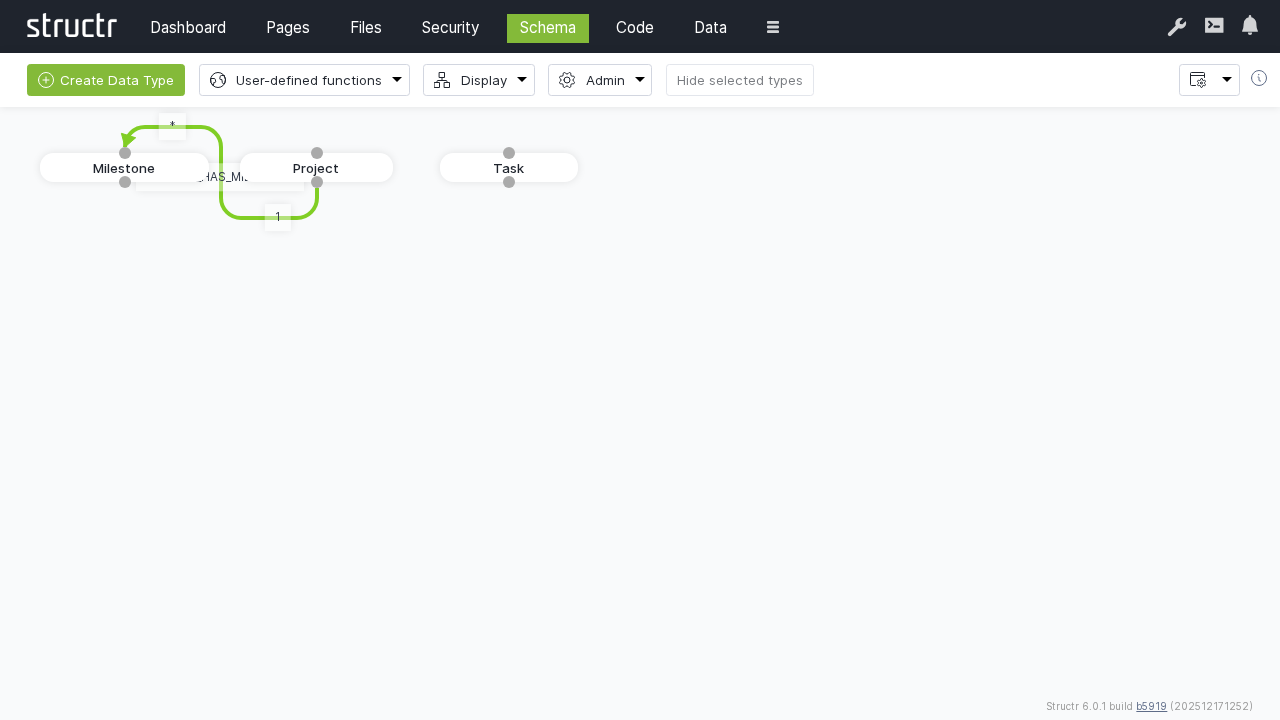
Schema
Visual schema editor for designing data models, creating custom types, defining relationships, and managing database structure.
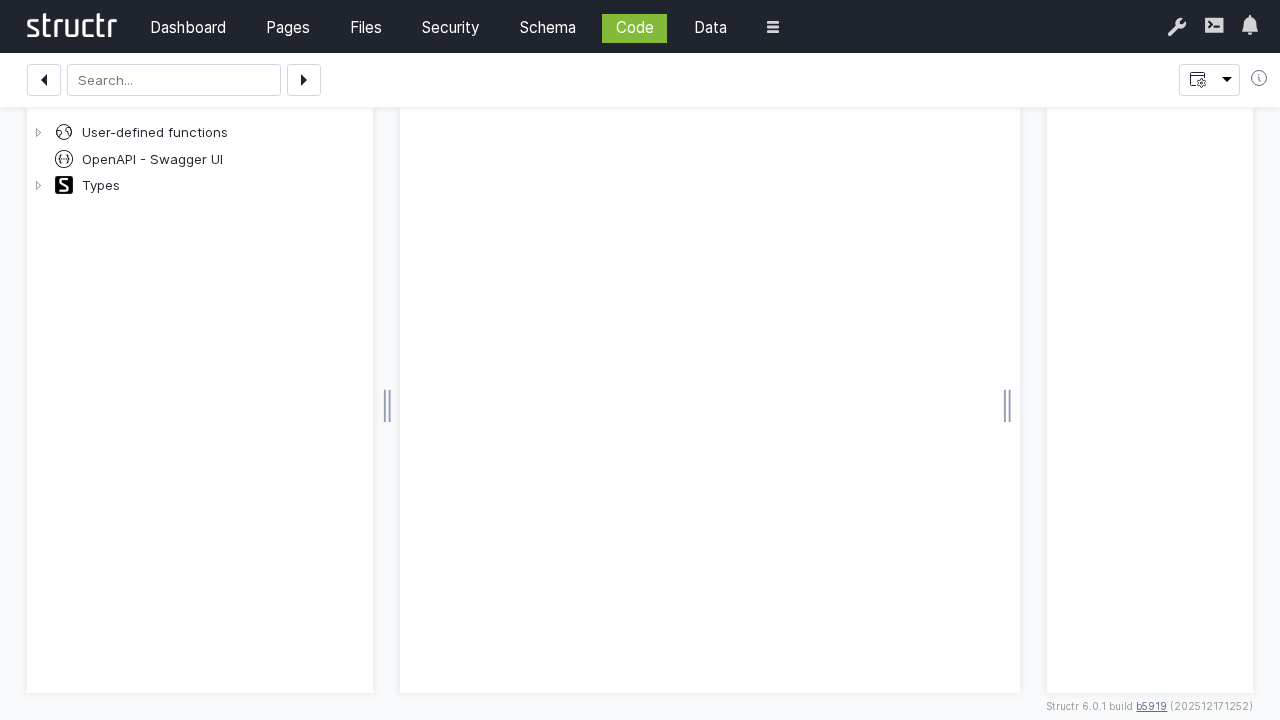
Code
Code editor and development tools for creating custom methods, scripts, and advanced functionality.
Data
Database management interface for viewing, creating, editing, and managing data objects and their relationships.

Flows
Visual workflow designer for creating automated business processes and data transformation pipelines.

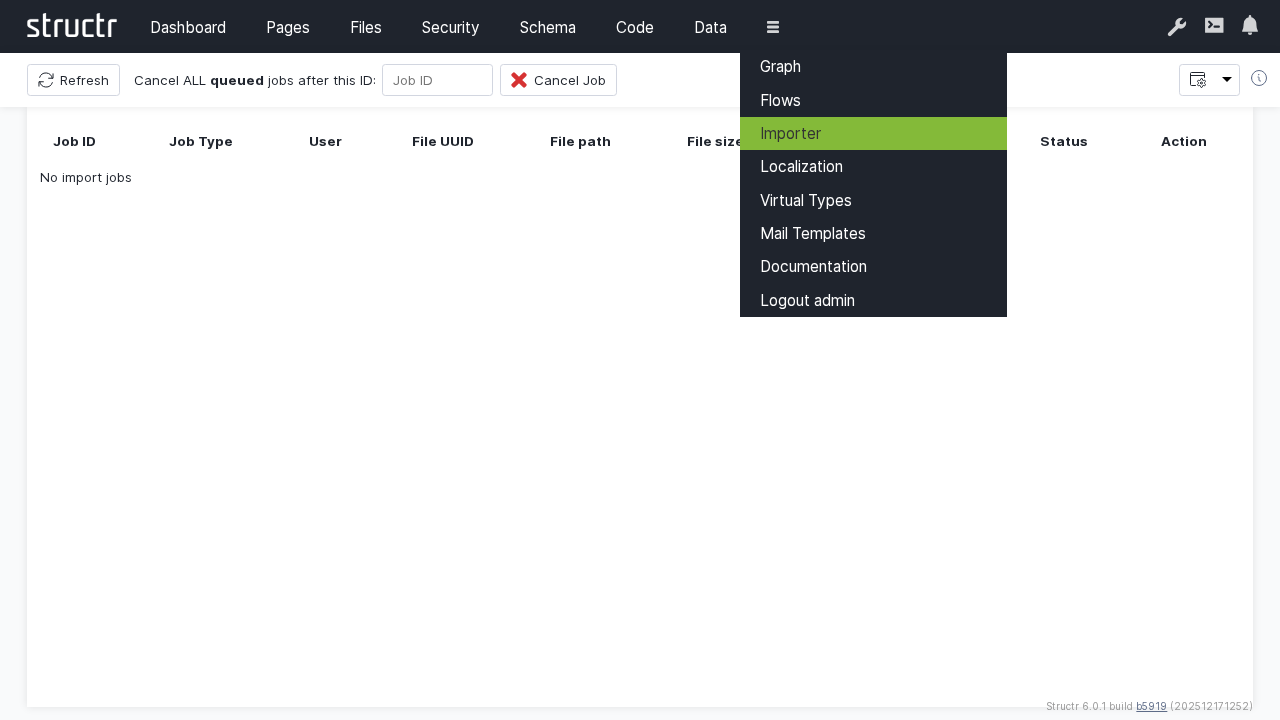
Importer
Data import tools and utilities for migrating content from external sources and file formats.
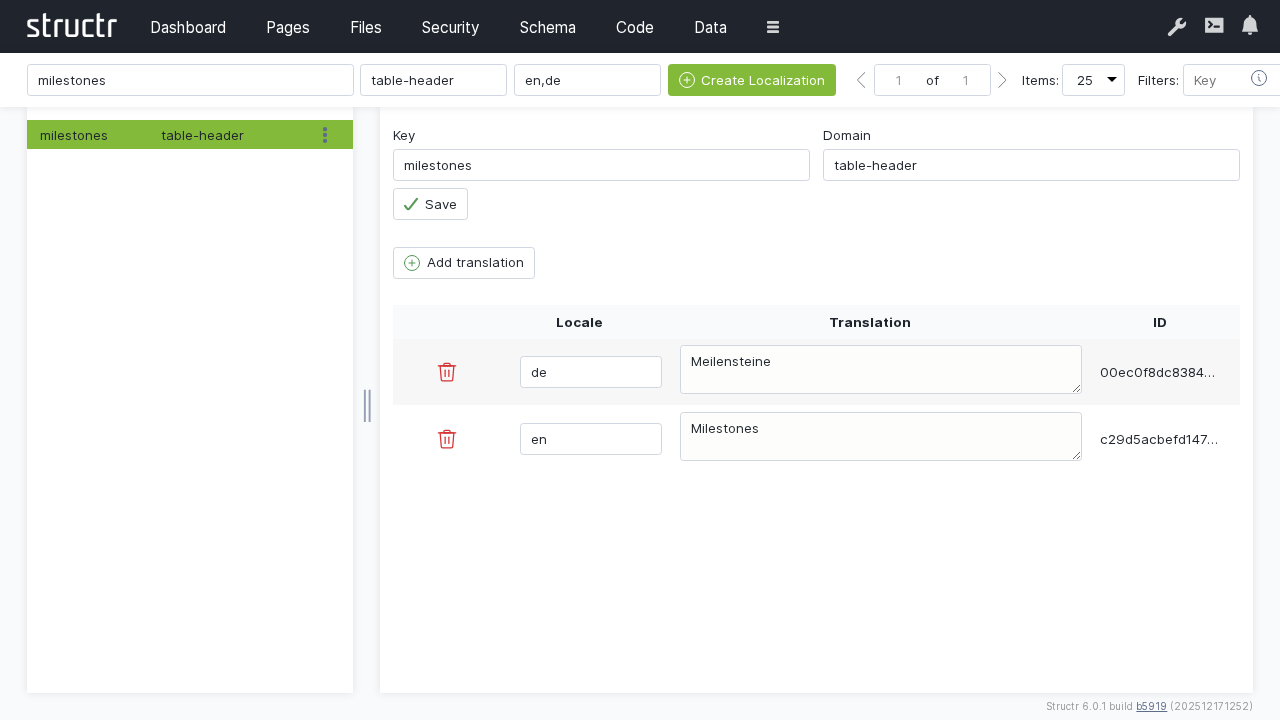
Localization
Multi-language support configuration for creating internationalized applications.
Graph
Visual graph database explorer for visualizing data relationships and performing graph-based analysis.
Virtual Types
Advanced type system configuration for creating dynamic and computed data types.
Mail Templates
Email template management for automated communications and notifications.
Key Features
Real-Time Updates
The Admin UI provides real-time updates and notifications, ensuring you always have current information about your application state.
Responsive Design
The interface is fully responsive and most functions work seamlessly across desktop and mobile devices.
Context-Sensitive Help
Built-in help and documentation are available throughout the interface to guide users through complex operations.
Collaborative Features
Multiple administrators can work simultaneously with conflict resolution and change tracking.
Customizable Interface
The UI can be customized to meet specific requirements e.g. by setting set a custom label in the header to mark a production or stating environment.
Also, there are a couple of settings in the Dashboard section to configure the UI behaviour.
Getting Started
- Login: Access the Admin UI through your Structr server URL (typically
http://localhost:8082/structr/) - Dashboard: Start with the Dashboard to get an overview of your system status
- Schema: Begin building your application by designing the data schema
- Pages: Create your first pages and user interfaces
- Data: Add and manage your application data
Best Practices
Navigation
- Use the left sidebar for primary navigation between functional areas
- Utilize breadcrumbs and back buttons for efficient navigation within sections
- Take advantage of keyboard shortcuts for faster operation
Performance
- Close unused tabs and panels to optimize browser performance
- Use filters and search functionality to work with large datasets efficiently
- Regular browser cache clearing may be needed for optimal performance
Security
- Always log out when finished working
- Use appropriate user permissions and roles
- Regularly review and update access controls
Browser Compatibility
The Admin UI is optimized for modern web browsers:
- Chrome (recommended): Full feature support
- Firefox: Full feature support
- Safari: Full feature support
- Edge: Full feature support
For the best experience, ensure your browser is updated to the latest version and has JavaScript enabled.
Next Steps
Explore each section of this Admin UI guide to learn about the specific functionality and capabilities available in each area. Start with the Dashboard for system monitoring and configuration, then move on to Schema design and Pages development for building your application.
- Previous
- Next
- Dashboard