


Admin User Interface
Schema
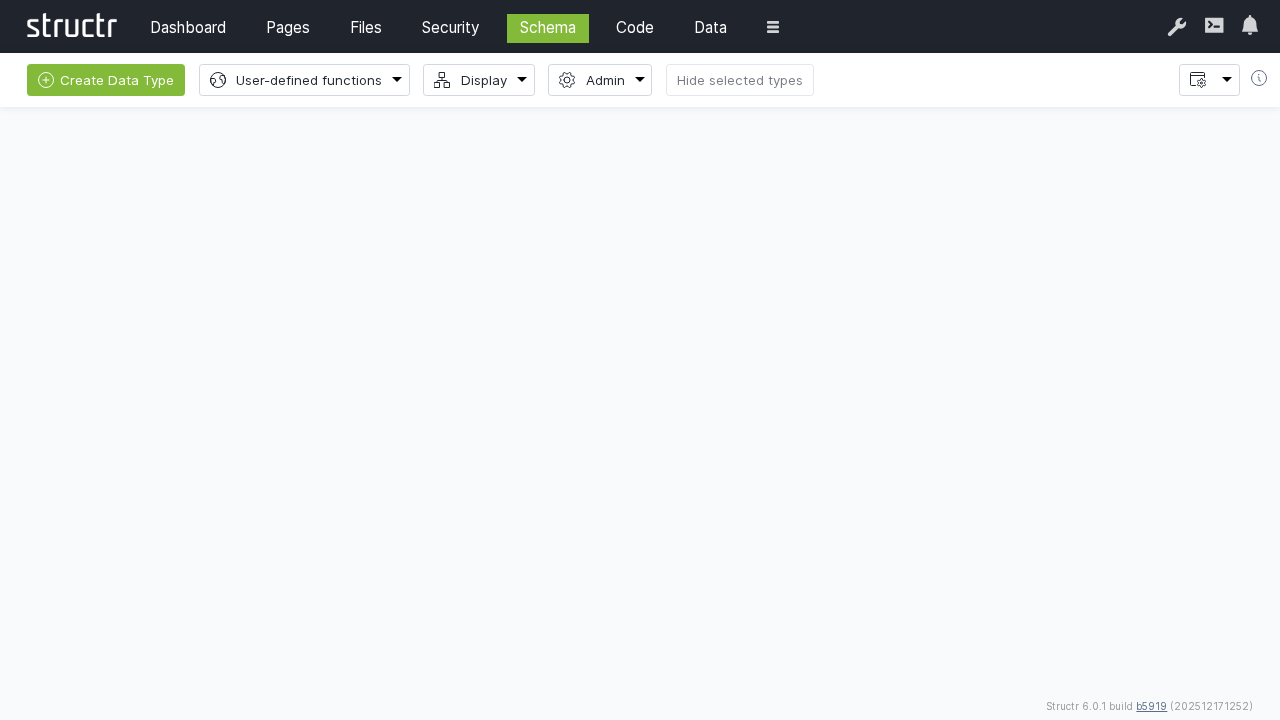
The Schema section is the heart of Structr’s data modeling capabilities, providing a visual, UML-like interface for designing custom data types, defining relationships, and managing your application’s data structure. It combines the power of graph database modeling with an intuitive graphical interface.
Overview
The Schema editor allows you to create sophisticated data models using a drag-and-drop interface. It automatically generates the underlying database schema, REST API endpoints, and provides the foundation for all data operations in your Structr application.
Key Features
Visual Schema Design
- UML-like graphical interface
- Drag-and-drop type creation
- Visual relationship modeling
- Real-time schema validation
Automatic Code Generation
- Database schema generation
- REST API endpoint creation
- JavaScript object models
- Validation rule implementation
Advanced Type System
- Multiple type inheritance and polymorphism
- Custom property types
- Function properties
- Schema methods and business logic
Creating Schema Types
Basic Type Creation
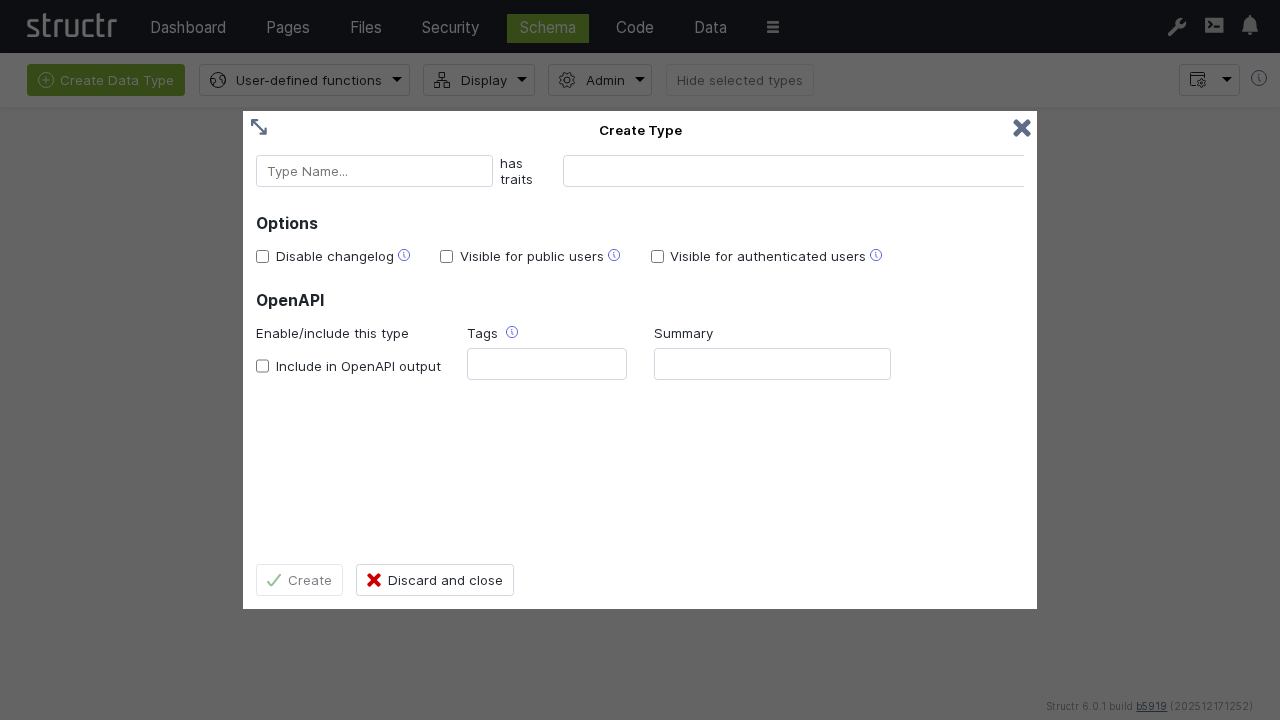
Start by creating a new schema type to represent your data entities.
Type Properties
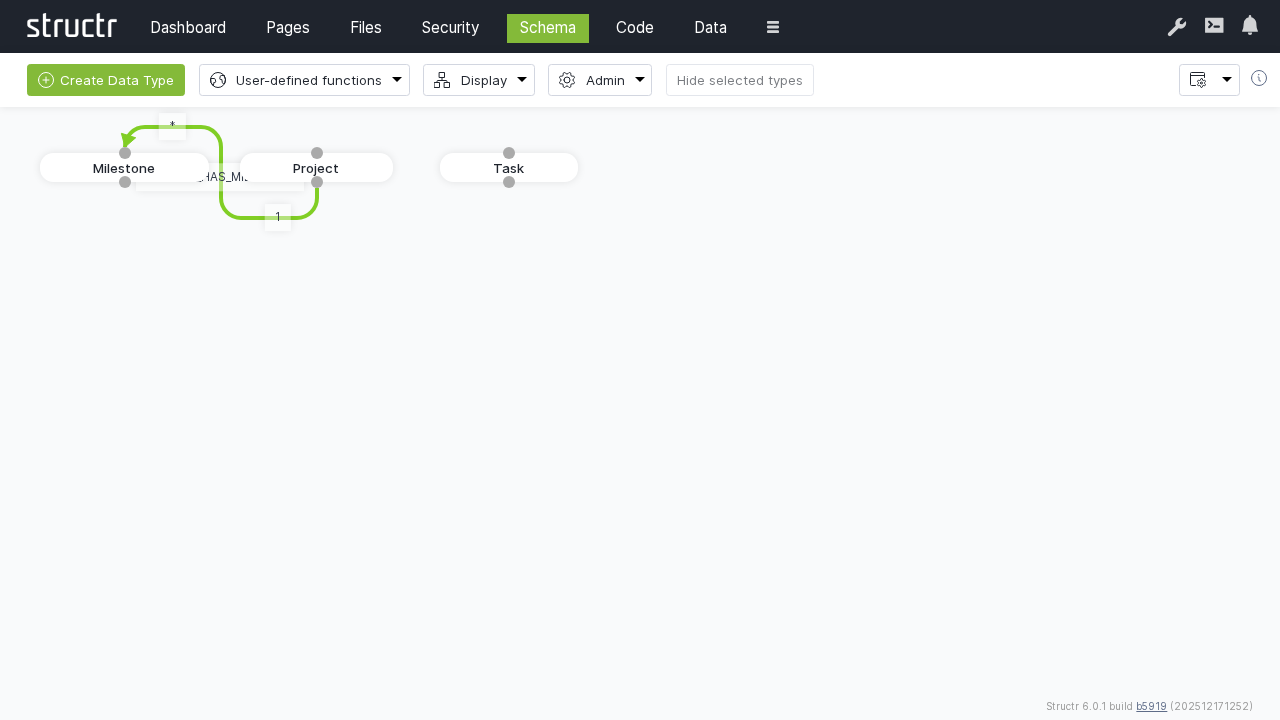
Once a type is created, you can see it in the schema designer and begin adding properties.
Core type configuration:
- Name: Unique identifier for the type
- Traits: Inherit properties and method from existing types
- OpenAPI: Documentation and purpose
Adding Properties
Add properties to define the data structure of your types.

Property configuration:
- Property name: Unique identifier within the type
- Data type: String, Integer, Date, Boolean, etc.
- Constraints: Required, unique, format validation
- Default values: Initial property values
- Indexing: Database index configuration
Complex Type Example
Create more sophisticated types like the Milestone type with date properties.
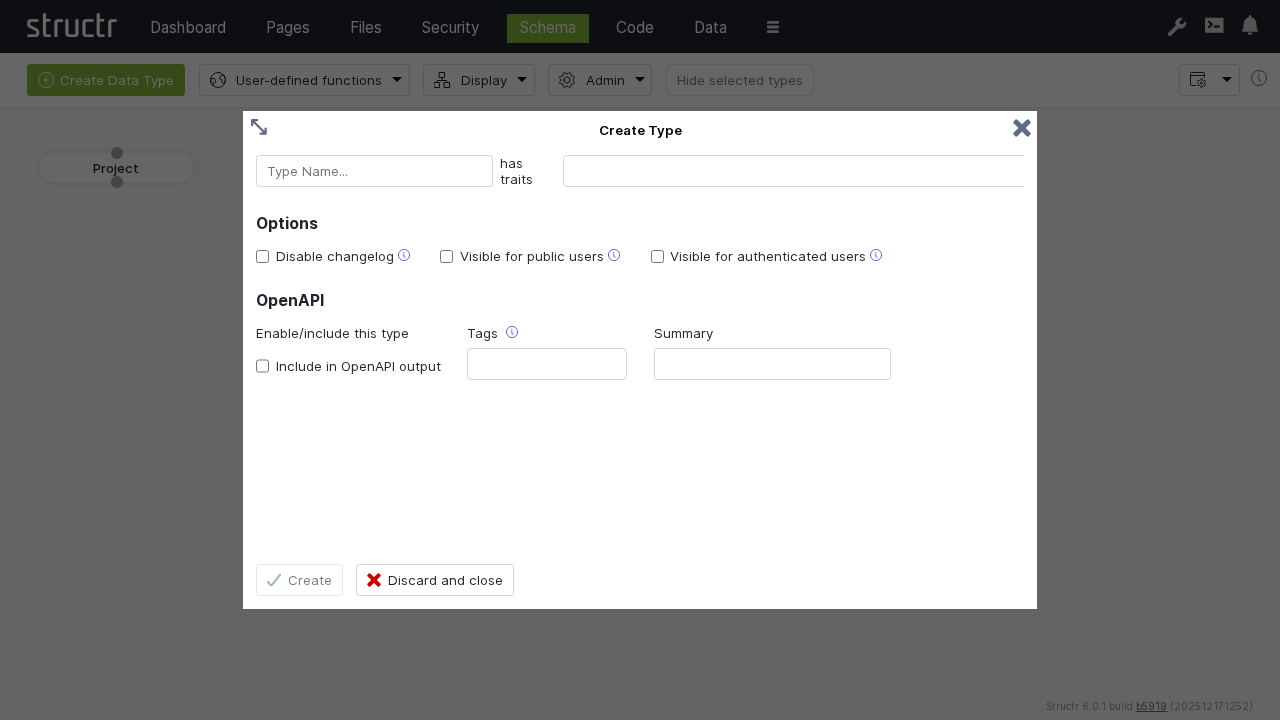
Advanced property types:
- Date/Time: Timestamps and scheduling
- Relationships: Connections to other types
- Collections: Arrays and lists
- Computed: Calculated properties
- Binary: File and media attachments
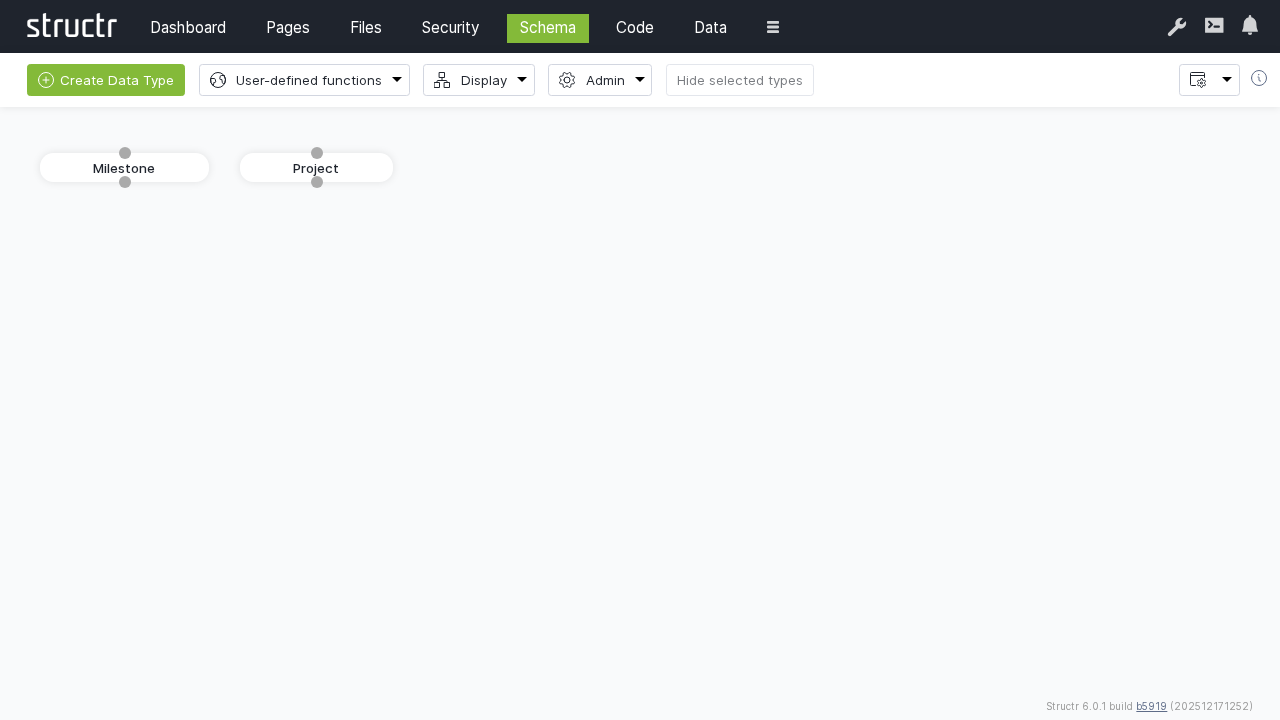
Date Properties
Add time-based properties for scheduling and tracking.
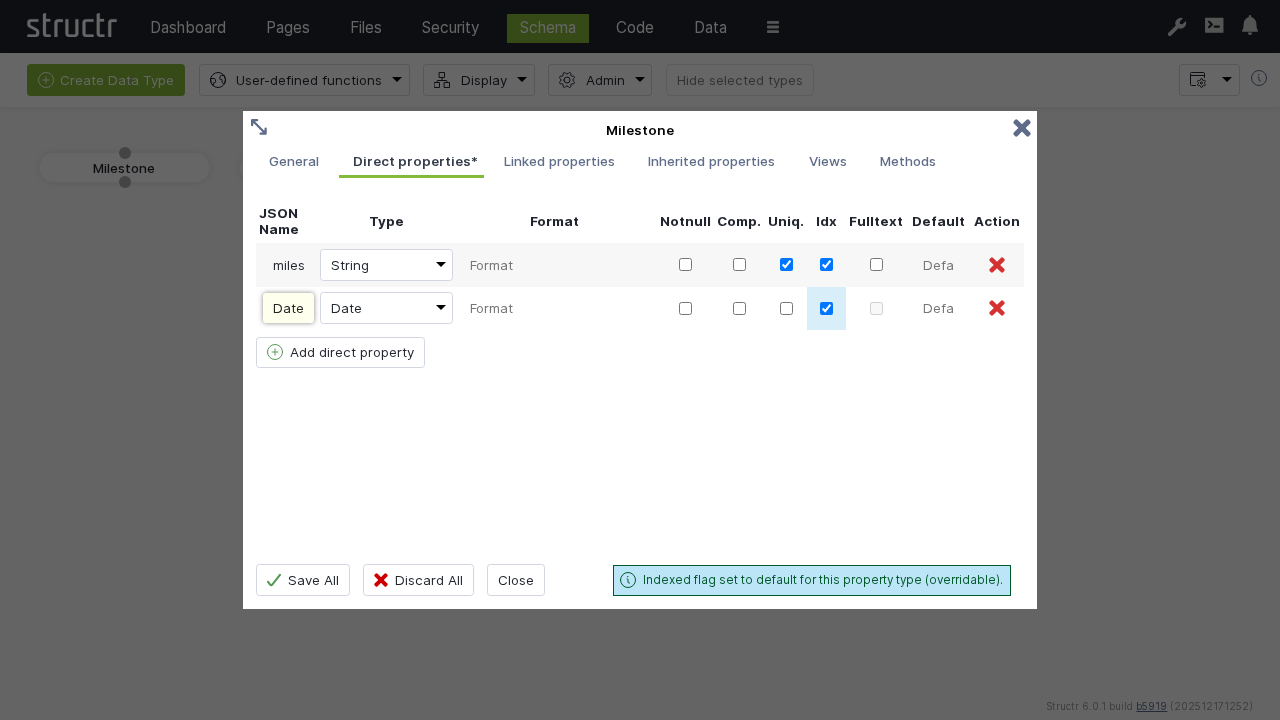
Date property features:
- Date formats: Various date and time formats
- Timezone handling: Automatic timezone conversion
- Validation: Date range and format validation
- Indexing: Optimized date-based queries
Relationships
Creating Relationships
Define connections between your schema types to model complex data structures.
Just drag a connection from the bottom dot to the top dot of another schema node.
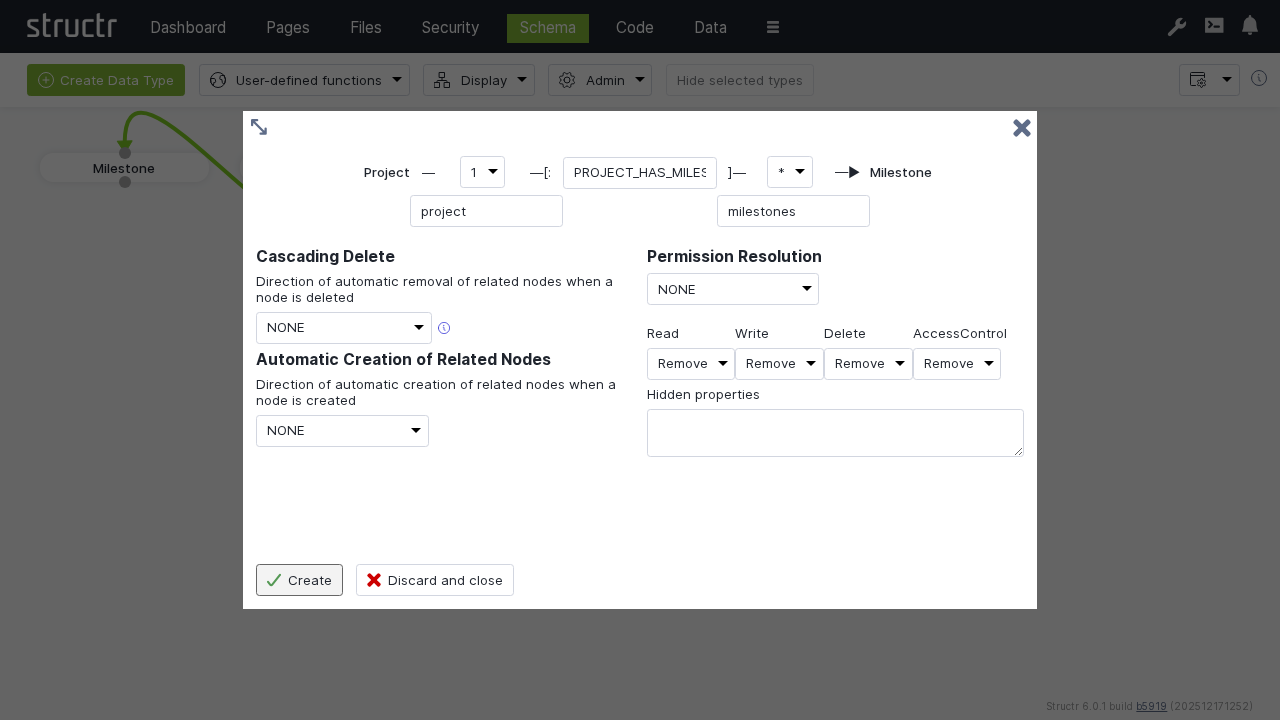
Relationship configuration:
- Source type: The originating entity
- Target type: The destination entity
- Relationship type: Descriptive identifier
- Source and target property name: How connected nodes of the other type are addressed
- Cardinality: One-to-one, one-to-many, many-to-one, many-to-many
- Cascade behavior: Deletion and permission propagation
Relationship types:
- One-to-One: Single connection between entities
- One-to-Many: Single source connected to multiple targets
- Many-to-Many: Multiple connections in both directions
- Self-referencing: Relationships within the same type, e.g. use parent/child relationships to define a tree structure
Relationship Properties
Relationships can have custom properties to store connection-specific data, e.g.:
Relationship properties:
- Timestamps: When the relationship was created/modified
- Weights: Numerical relationship strength
- Status: Relationship state information
- Metadata: Additional relationship context
Navigation Properties
Relationships automatically create navigation properties:
Automatic properties:
- Outgoing relationships: Properties pointing to related objects
- Incoming relationships: Back-references from related objects
- Collection properties: Lists of related objects
- Count properties: Number of related objects
Data Types
Built-in Types
Structr provides comprehensive built-in data types:
Primitive types:
- String: Text data with length constraints
- Integer: Whole numbers with range validation
- Long: Large integer values
- Double: Floating-point numbers
- Boolean: True/false values
- Date: Date and time values
Advanced types:
- Enum: Predefined value lists
- Function: Computed properties with custom logic
- Cypher: Dynamic graph database queries
- String[]: Arrays of text values
- Integer[]: Arrays of numbers
- Date[]: Arrays of dates
Custom Property Types
Create specialized property types for specific use cases:
Custom implementations:
- Validation logic: Custom data validation rules
- Transformation: Data format conversion
- Indexing: Specialized search capabilities
- Security: Property-level access control
Property Constraints
Define validation and business rules using regular expressions, e.g.:
Constraint types:
- Required: Mandatory property values
- Unique: Prevent duplicate values
- Range: Minimum and maximum values
- Format: Regular expression validation
- Length: String length restrictions
Schema Methods
Business Logic Implementation
Add custom methods to schema types for business logic:
Method types:
- Instance methods: Operate on individual objects
- Static methods: Class-level operations
- Validation methods: Custom validation logic
- Transformation methods: Data processing
- Lifecycle methods: Object creation/update/deletion hooks
Function Properties
Create properties that calculate values dynamically, e.g.:
Function property examples:
- Full names: Concatenate first and last names
- Age calculations: Calculate age from birth date
- Status derivations: Derive status from other properties
- Aggregations: Sum, count, or average related objects
Advanced Schema Features
Inheritance
Implement type inheritance for code reuse and polymorphism:
Inheritance benefits:
- Property inheritance: Child types inherit parent properties
- Method inheritance: Shared behavior across type hierarchies
- Polymorphic queries: Query parent types to get all children
- Interface implementation: Define contracts for type behavior
Inheritance example:
Person (abstract)
├── Employee
│   ├── Manager
│   └── Developer
└── Customer
    ├── PremiumCustomer
    └── RegularCustomer
Mixins and Traits
Implement reusable property sets, e.g.:
Common mixins:
- Timestamped: Created/modified timestamps
- Versioned: Version tracking and history
- Tagged: Tag-based categorization
- Audited: Change tracking and logging
- Localized: Multi-language support
Schema Validation
Schema integrity and consistency is automatically ensured by Structr.
Validation checks:
- Circular dependencies: Infinite relationship loops are prevented
- Naming conflicts: Unique type and property names are ensured
- Type compatibility: Relationship endpoints are always compatibel
- Constraint conflicts: Contradictory rules are prevented
Schema Security
Schema-based Access Control
Define access control based on the schema
Security features:
- Group-based type permissions: Control access based on the combination of type and groups
- Relationship-propagating permissions: Access control via relationship definitions
Best Practices
Schema Design
- Start simple: Begin with core entities and basic relationships
- Iterative refinement: Evolve schema based on requirements
- Consistent naming: Use clear, descriptive names
- Documentation: Document types, properties, and relationships
Performance
- Strategic indexing: Index queried properties
- Relationship optimization: Design efficient traversal paths
- Property selection: Include only necessary properties
- Batch operations: Optimize bulk data operations
Security
- Least privilege: Grant minimal necessary access
- Property-level control: Secure sensitive fields by using views and endpoint permissions
- Regular reviews: Periodic security assessments
Maintenance
- Version control: Track schema changes via exported Schema JSON
- Testing: Validate schema changes thoroughly
- Documentation: Keep schema documentation current
Integration with Other Sections
Pages Integration
- Dynamic content: Display schema-based data
- Data binding: Connect pages to schema types via repeater queries
- Forms: Generate forms from schema definitions by using schema info
- Validation: Use schema constraints in forms
Data Management
- Object creation: Create instances of schema types
- Relationship management: Manage object connections
- Queries: Search and filter schema-based data
- Import/export: Bulk data operations
API Generation
For each schema type, Structr automatically creates an API endpoint.
- REST endpoints: Automatic API generation
- Validation: API requests are validated based on schema rules
- Documentation: Auto-generated API docs in OpenAPI 3.0 format
Troubleshooting
Common Issues
Schema Validation Errors
- Check for wrong relationship directions
- Verify unique naming across types and properties
- Validate relationship endpoint names
- Review constraint definitions
Performance Problems
- Analyze query patterns and add appropriate indexes
- Review relationship cardinalities and traversal patterns
- Optimize property selection in queries
Import/Export Issues
- Verify schema compatibility between environments
- Check for naming conflicts with existing types
- Test import process in staging environment
Next Steps
After mastering the Schema section:
- Create data objects in the Data management section
- Build pages that display your schema data in Pages
- Configure appropriate Security permissions
- Monitor schema performance through the Dashboard
The Schema section provides the foundation for all data operations in Structr. A well-designed schema enables efficient data management, powerful APIs, and flexible application development.