


Admin User Interface
Code
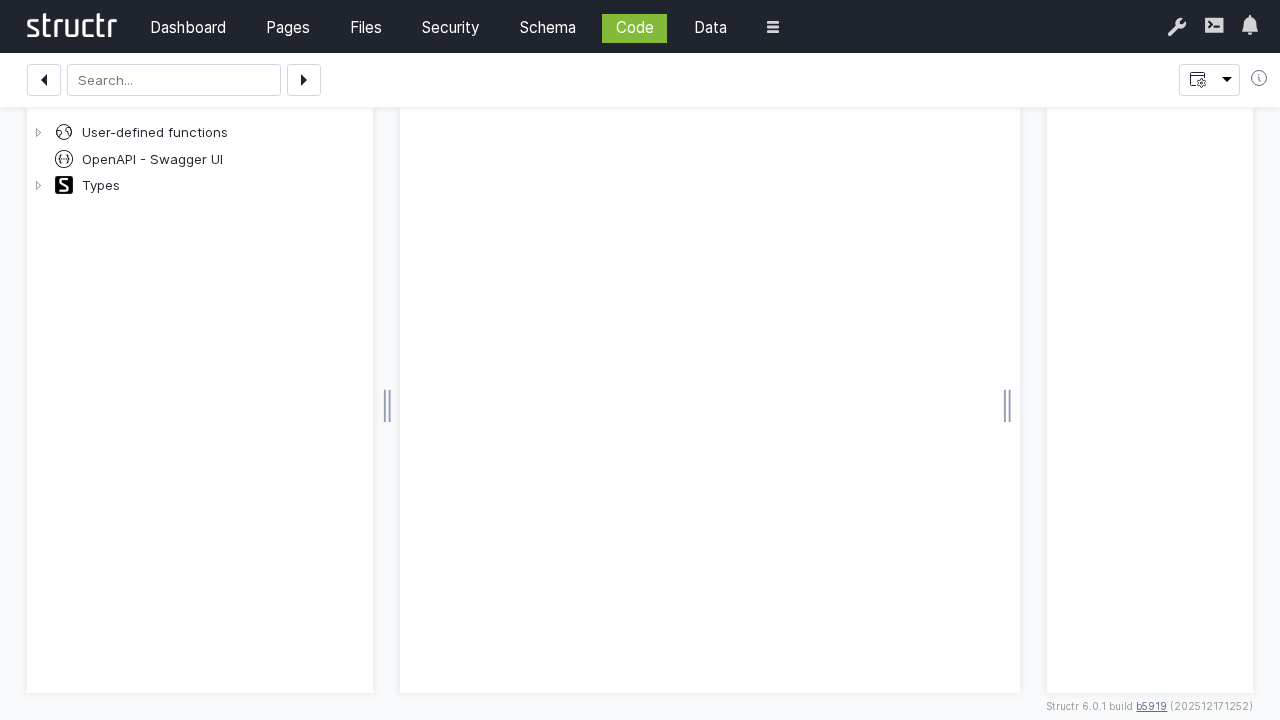
The Code section provides a comprehensive development environment for creating custom methods, scripts, and advanced functionality within Structr. It serves as an integrated development environment (IDE) for implementing business logic, data processing, and custom behaviors.
Overview
The Code section enables developers to extend Structr’s capabilities through custom Java-like methods, StructrScript functions, and JavaScript implementations. It provides syntax highlighting, code completion, debugging tools, and integrated testing capabilities.
Key Features
Integrated Development Environment
- Syntax highlighting for multiple languages
- Auto-completion
- Integrated debugging tools
Multiple Language Support
- Javascript
- StructrScript expressions
Method Types
Schema Methods
Implement custom behavior for schema types:
Instance Methods
Methods that operate on individual object instances.
Static Methods
Class-level operations that don’t require an instance.
User-defined Methods
System-wide utility functions available throughout the application:
Utility Functions
Common operations and calculations.
Integration Methods
Connect with external systems and APIs.
Lifecycle Methods
Methods that execute automatically during object lifecycle events, e.g. onCreate, afterSave, afterDelete.
StructrScript Integration
Expression Syntax
Use StructrScript for dynamic content and logic:
Data Access
// Access current object properties
${this.name}
${this.project.title}
${size(this.milestones)}

// User context
${me.name}
${me.groups}

// Date formatting
${date(this.dueDate, 'yyyy-MM-dd')}
Conditional Logic
// Simple conditions
${if(this.isOverdue, 'OVERDUE', 'ON_TRACK')}

// Complex conditions
${if(and(this.status == 'ACTIVE', lt(this.dueDate, now())),
    'Project is overdue!',
    'Project is on track')}
Built-in Functions
Leverage Structr’s extensive function library:
Data Manipulation
// Finding and filtering
find('Project', 'status', 'ACTIVE')
filter(find('Task'), equal(data.assignee, me))
sort(this.projects, 'dueDate')

// Aggregation
add(this.expenses, 2.5)
mult(this.ratings, data.score)
count(filter(this.tasks, eq(data.status, 'COMPLETED')))
String Operations
// Text processing
concat(this.firstName, ' ', this.lastName)
upper(this.status)
replace(this.description, 'old', 'new')
substring(this.title, 0, 50)
Date Operations
// Date calculations
date_format(now(), 'yyyy-MM-dd HH:mm:ss')
Best Practices
Code Organization
- Modular design: Break complex logic into smaller methods
- Clear naming: Use descriptive method and variable names
- Documentation: Comment complex logic and business rules
- Consistent style: Follow coding conventions
Performance
- Efficient queries: Minimize database operations
- Caching: Cache expensive calculations
- Batch operations: Group multiple operations when possible
- Resource management: Properly handle connections and resources
Security
- Input validation: Validate all input parameters
- Access control: Check permissions before operations
- Error handling: Don’t expose sensitive information in errors
- Logging: Log security-relevant events
Maintainability
- Version control: Track code changes
- Testing: Write comprehensive tests
- Documentation: Maintain current documentation
- Refactoring: Regularly improve code quality
Troubleshooting
Common Issues
Compilation Errors
- Check syntax and method signatures
- Verify import statements and dependencies
- Validate parameter types and return values
- Review scope and visibility modifiers
Runtime Errors
- Add proper error handling and logging
- Validate input parameters and data
- Check for null pointer exceptions
- Verify database connectivity and permissions
Performance Issues
- Profile slow methods and queries
- Optimize database operations
- Implement appropriate caching
- Review algorithm complexity
Debugging Techniques
Logging Strategy
- Use appropriate log levels
- Include relevant context information
- Avoid logging sensitive data
- Monitor log output for patterns
Testing Approach
- Write unit tests for individual methods
- Test edge cases and error conditions
- Use integration tests for complex workflows
- Automate testing where possible
Next Steps
After mastering the Code section:
- Implement custom logic for your Schema types
- Create dynamic behavior for Pages
- Integrate with Data management operations
- Monitor code performance through the Dashboard
The Code section empowers you to extend Structr’s capabilities and implement sophisticated business logic tailored to your specific requirements. Well-written custom code enhances application functionality while maintaining performance and security standards.